Security screening equipment is rarely a simple purchase. A checkpoint that looks efficient on paper can struggle in daily operation if queue flow, staffing, training, and maintenance are not planned together. The strongest projects usually begin with the screening task and the site environment—not with a product catalogue.
This guide offers a practical path from requirements to deployment for security managers, procurement teams, and facility operators.

Define the checkpoint problem before comparing vendors
Before reviewing specifications, document what the checkpoint must achieve. Four questions help narrow the field:
-
What is being screened? Carry-on bags, people, mail, parcels, vehicles, or freight each require different approaches.
-
What throughput is realistic? Peak-hour volume matters more than average daily traffic.
-
What threat profile and regulatory requirements apply? Local rules, industry standards, and site risk assessments should shape the shortlist.
-
What site constraints exist? Space, power, cooling, floor loading, privacy, and accessibility can rule out otherwise suitable equipment.
A clear requirements brief keeps the conversation focused on operational fit rather than features alone.
Match equipment to the screening task
The table below is a starting point, not a substitute for a site-specific risk assessment.
| Screening need | Typical equipment | Strengths | Operational considerations |
|---|---|---|---|
| Carry-on bags and parcels | X-ray or CT screening systems | Clear images of mixed contents; CT can support 3D image analysis | Footprint, conveyor height, operator training, image interpretation workload |
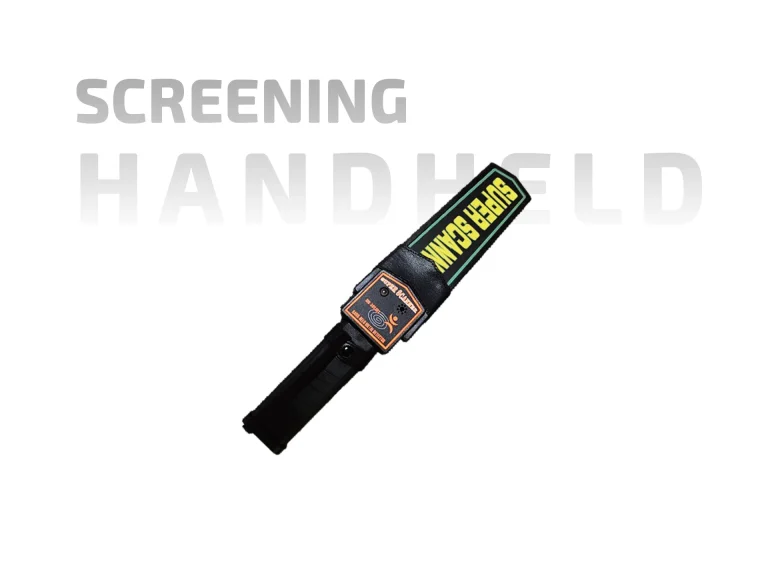
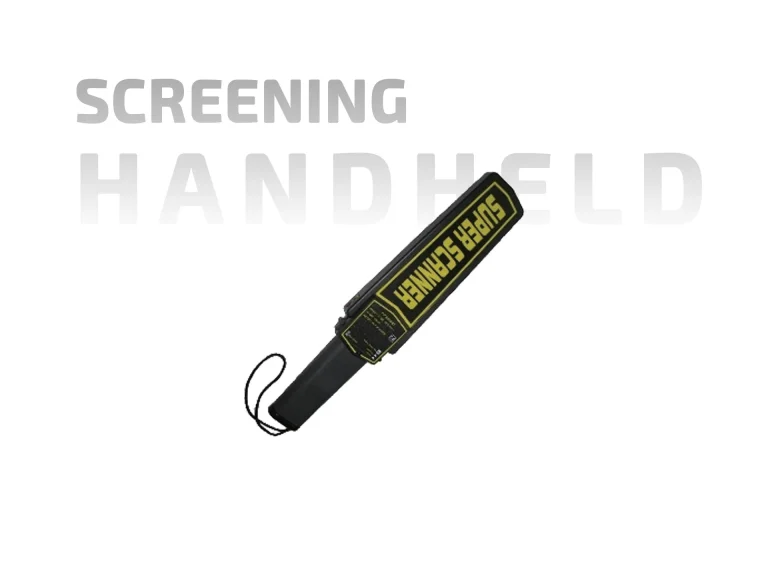
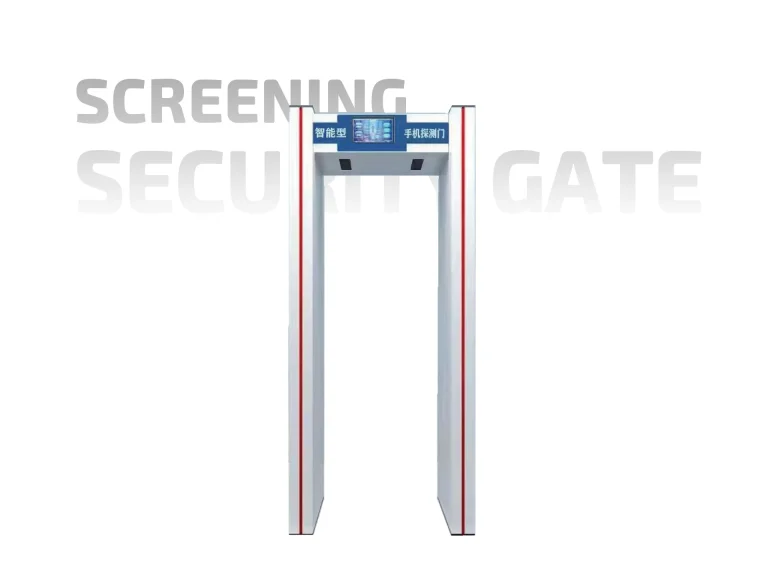
| People and access points | Walk-through metal detectors, handheld scanners, millimeter-wave body scanners | Fast pass-through for metal detection; body scanners support non-contact screening | Privacy procedures, alarm resolution, accessibility, throughput |
| Mail and small parcels | X-ray cabinets, explosive trace detection (ETD) | Compact screening for mailrooms; ETD supports residue analysis | Sampling protocols, consumables, document handling |
| Vehicles and large freight | Drive-through X-ray, gamma-ray, under-vehicle inspection | High-volume screening for gates and logistics sites | Site layout, radiation safety, queuing lanes, maintenance access |
Evaluate total cost, not just purchase price
Procurement teams often compare acquisition costs first. A better view includes the full lifecycle:
-
Installation, commissioning, and site preparation
-
Operator and supervisor training
-
Consumables and calibration items
-
Service-level agreements, spare parts, and response times
-
Software updates and cybersecurity support
-
Power, cooling, and space requirements
-
Staffing needed for image review and secondary screening
A lower purchase price can become expensive if downtime, false alarms, or manual workarounds increase over time.
Design the workflow around alarm resolution
Screening equipment does not operate in isolation. Alarms need a clear resolution path, or the checkpoint will bottleneck at secondary screening. Plan a dedicated area, define who handles different alarm types, and test the workflow with realistic volumes. Privacy and dignity procedures should be written before go-live, especially where body scanners are used.
Procurement questions that separate a demo from daily operation
Ask vendors for evidence that goes beyond a scripted demonstration:
-
What training and refresher support are included?
-
How does the equipment integrate with access control, CCTV, or incident reporting?
-
What are the mean time between failures and typical repair times?
-
Which regulatory approvals or certifications apply?
-
Can the vendor provide references from similar sites and volumes?
-
How are software updates, data retention, and cybersecurity handled?
Plan for lifecycle and measurement
Treat security screening equipment as part of a managed checkpoint system. Track throughput per lane, average wait time, alarm rates, false alarm rates, downtime, and operator workload. Review these measures regularly and adjust staffing, lane configuration, and training before adding more equipment.
Final takeaway
The right security screening equipment is the option that fits the threat profile, site constraints, staffing model, and maintenance plan. Start with the checkpoint problem, compare technologies against real operating conditions, calculate total cost, and measure performance after deployment. That approach produces a safer and more predictable screening operation than a feature-by-feature equipment comparison alone.