October 19, 2026
Multi-Band Drone Jammer Guns: Market and Compliance Guide
An industry overview of multi-band drone jammer guns: design trade-offs, procurement checks, deployment limits, and legal compliance.
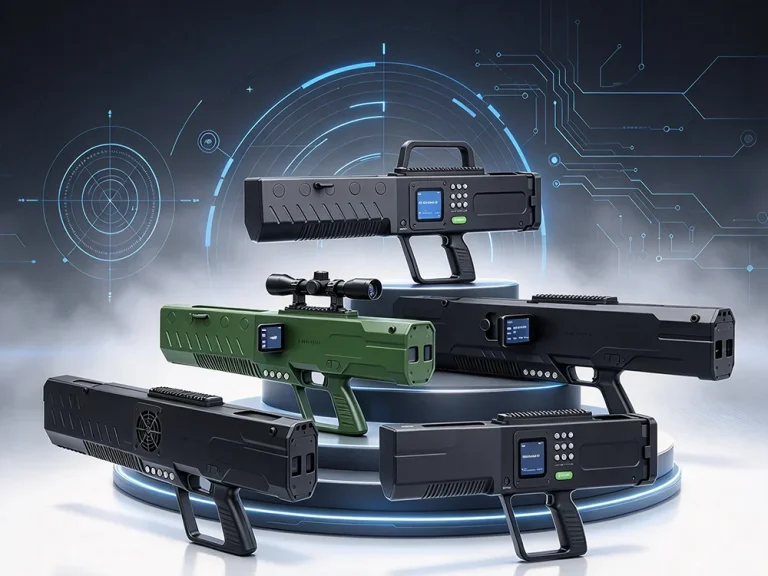

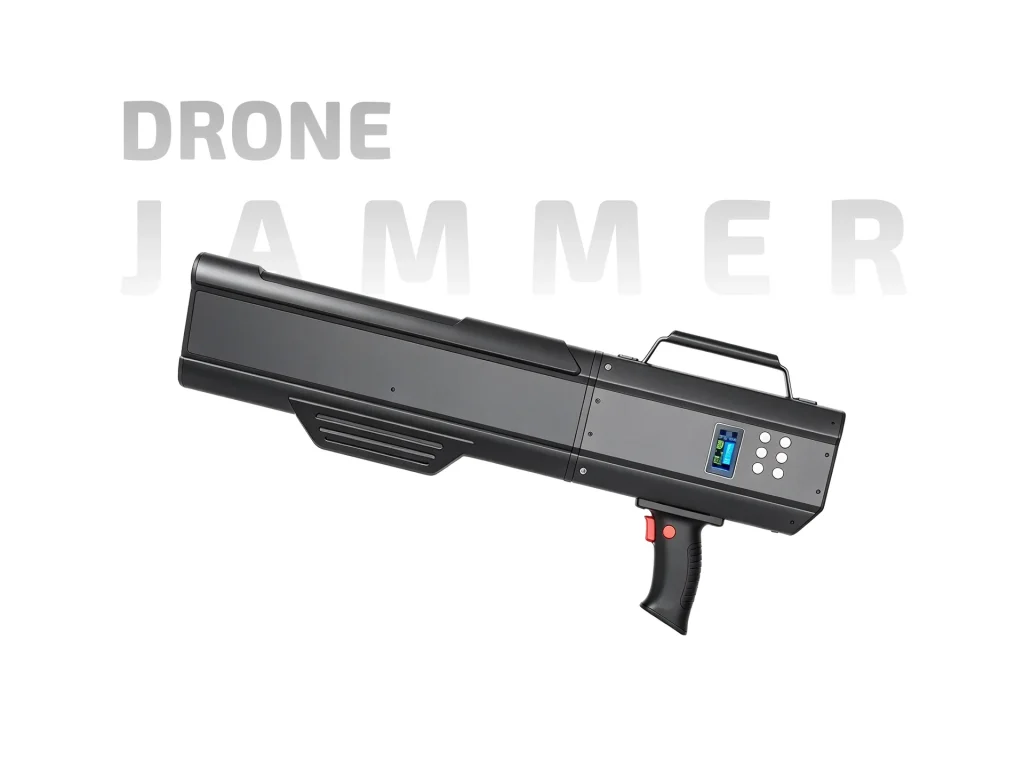
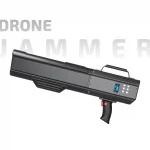
ETLD-JGF78 drone jammer gun: customizable 433M–5.8GHz bands, 8 selectable channels, 0–1500m range, external battery.
The ETLD-JGF78 is a gun-style drone jammer for authorized teams that need a portable response option. Its common P3 frequency set covers 433M, 800M, 900M, 1.2G, GPS, 2.4G, 5.2G and 5.8GHz, and the frequency plan can be customized. The optional channel count is eight, the listed jamming distance is 0–1500m, and the battery is external. It is not a detection device; it is a response tool for use after a drone has been identified and the operator has permission to act.

The P3 set is the usual starting point. It groups common control and video bands, plus GPS, into one configuration. A separate band list also mentions 1.4G, so buyers should confirm the exact layout they need rather than assume every listed band is active at once. Customization is useful when a site has a known frequency profile. For example, a team may want a narrower set for routine work and a wider set for unknown links. Ask for the final band chart in writing before ordering.
The ETLD-JGF78 drone jammer gun lists an optional channel count of eight. Channel count is not the same as band count. A band can be covered by one or more channels, and the way channels are assigned depends on the configuration. More channels can help distribute output across multiple links, but the real benefit depends on the target drone and the site. Operators should test the chosen profile and record which channel layout works for each task.
The 0–1500m figure is a planning guide. Effective range changes with antenna direction, terrain, buildings, drone height and the link being targeted. Open line of sight is the best case. In built-up areas or from a low position, expect shorter results. A short site test is more useful than a single headline number. Note the distance and band for each test so the next shift starts with real data, not guesswork.
The battery is external, which makes power planning easier. Keep a charged spare and swap packs at a planned point in the shift instead of waiting for a low-battery warning. Confirm charger type, pack quantity and storage guidance with the supplier. Before deployment, check the pack is secure and the contacts are clean. After use, recharge and log the pack. In hot or cold weather, battery behavior can change, so test before a long task. Keep spare packs dry and protected.
A gun-style body is meant for short, aimed use. Keep the front pointed toward the target area and avoid blocking the antenna with your body or nearby metal. For longer tasks, use a rest position. Jamming affects radio links and is regulated in most countries. Use the ETLD-JGF78 only where authorization exists, with trained operators, and follow site rules. Detection should come first; jamming is a permitted response step, not a replacement for procedure.
The ETLD-JGF78 drone jammer gun fits security teams, event operators and site managers who already have a drone response plan and need a portable jammer with a customizable band set. It is less suitable for users who need detection, tracking or a fully automatic system. Because the unit is a jammer, the buying decision should include legal review, operator training and a clear record of authorized use.
Before a shift, inspect the antenna, confirm the selected profile, and check the external battery level. Keep a written band chart with the unit. If the site has other radio equipment, coordinate a short test and note any nearby interference. Use the device only in the permitted direction and stop when the task ends. A simple checklist prevents most field mistakes: pack charged, profile correct, antenna clear, authorization confirmed, and log completed.
| Parameter | Specification | Notes |
| Common frequency set | 433M+800M+900M+1.2G+GPS+2.4G+5.2G+5.8GHz (P3, customizable) | Typical configuration |
| Band list | 433M, 900M, 1.2G, 1.4G, GPS, 2.4G, 5.2G, 5.8GHz | Custom options available |
| Selectable channels | 8 | Optional channel count |
| Jamming range | 0–1500m | Planning figure; site dependent |
| Battery | External | Carry a spare for longer tasks |
| Customization | Frequency customizable | Confirm local band plan |
| Form factor | Gun-style portable jammer | Handheld field use |
| Common P3 set | 433M, 800M, 900M, 1.2G, GPS, 2.4G, 5.2G, 5.8GHz | As listed |
| Additional listed band | 1.4G | Check exact layout with supplier |
| Use | Authorized drone response | Follow local rules |
An industry overview of multi-band drone jammer guns: design trade-offs, procurement checks, deployment limits, and legal compliance.
Drone jammer gun battery life affects deployment time, power choices, and cost. Learn runtime factors, battery types, and procurement tips.
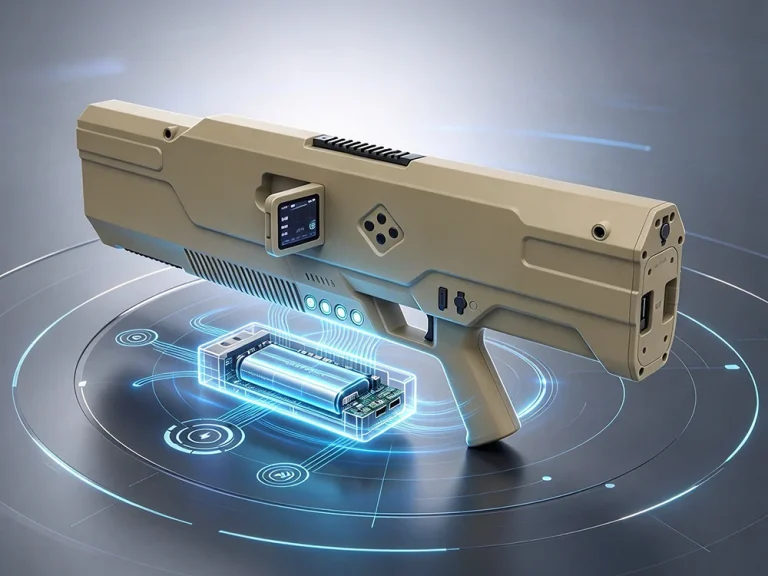
Compare backpack vs handheld drone jammer systems. Discover which portable RF jammer suits your security needs with our 7 essential factors.