October 19, 2026
7 Powerful China Portable Drone Jammer Insights
Explore China portable drone jammer options: RF bands, cooling, compliance, and sourcing tips. Compare suppliers with this 2026 buyer overview.
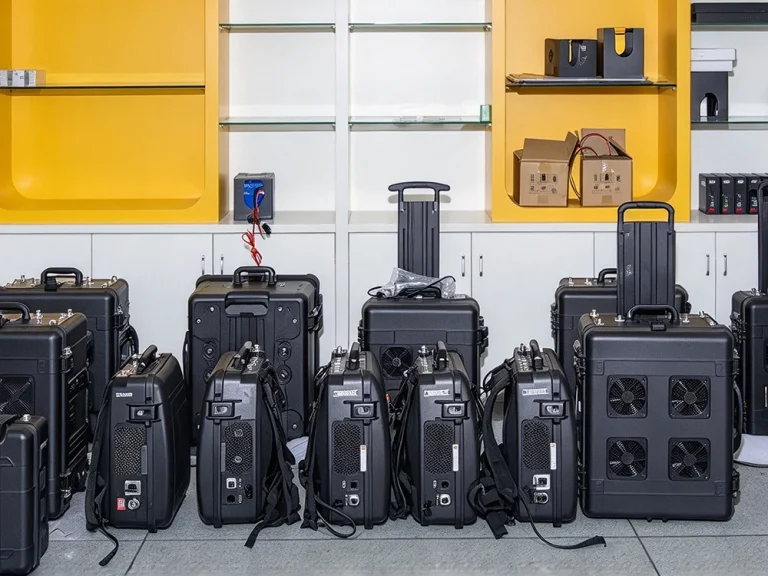

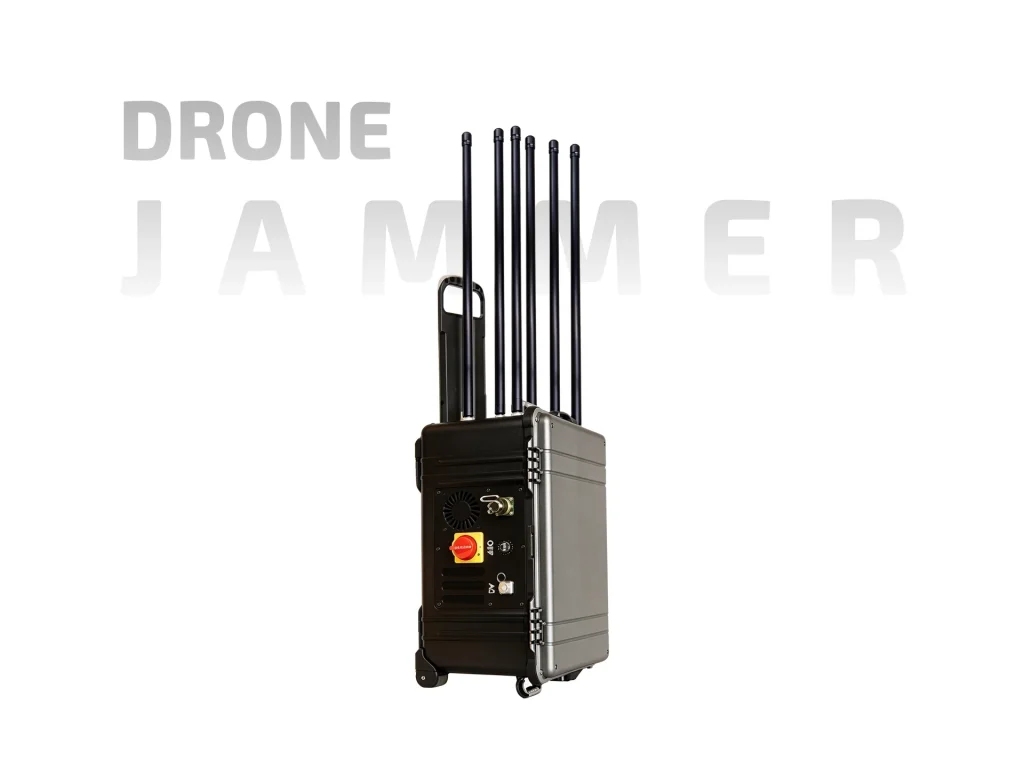
ETLD-PJ04S trolley drone jammer: customizable 0.9/1.2/GPS/2.4/5.2/5.8GHz, 6 channels, 100W (5.2GHz 50W), omni 1000m, directional 2000m, 4 batteries.
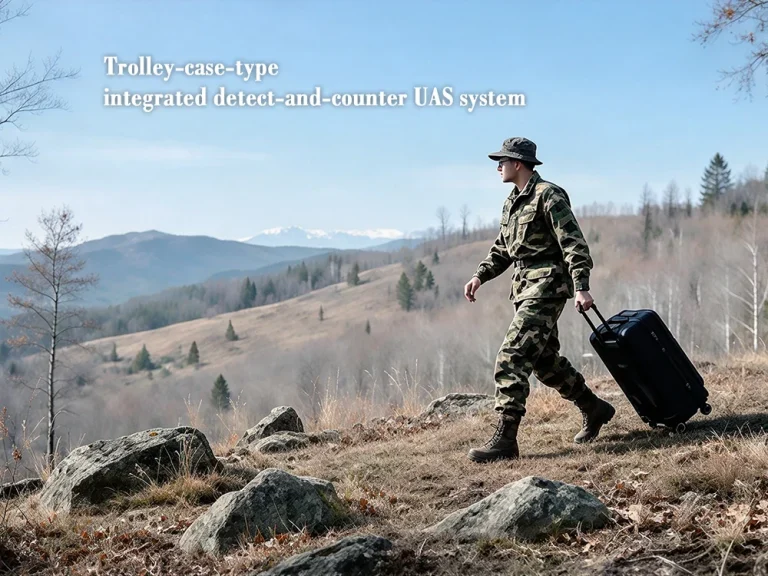
The ETLD-PJ04S travels as a trolley case. You pull it, set it down, raise the antennas, and run it from the handle. This is a site tool rather than a body-worn one. It suits positions where the operator stays near the unit: gatehouses, event entries, roof decks, temporary checkpoints. The case protects the hardware between jobs and gives the antennas a stable base.

The standard set is 0.9GHz, 1.2GHz, GPS, 2.4GHz, 5.2GHz and 5.8GHz. Six channels are provided. Frequencies can be customized to match local needs, which matters when a site faces a specific link rather than a broad spread. Each channel has a switch on the handle, so bands can be run together or isolated.
Output is listed at 100W for 900MHz, 1.2GHz, GPS, 2.4GHz and 5.8GHz. The 5.2GHz channel is 50W. That difference is worth noting: the lower-power band still works, but it is not equal to the others. For sites where 5.2GHz is the main concern, ask about options before ordering. The wattage figures explain why a case unit can reach further than many handheld devices.
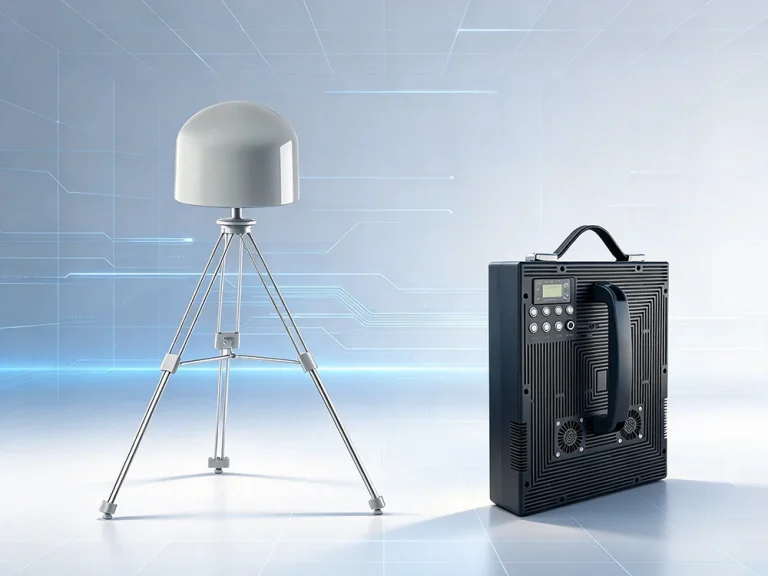
Omni coverage is 0–1000m. Directional coverage is 0–2000m. The split is practical: the omni antenna watches all around the case, while the directional panel pushes energy toward a chosen approach. Both antennas ship with the kit. Switch to directional when you know the bearing; keep omni when the threat could come from any side. Ranges are best-case and fall with buildings, terrain and weather.
Four removable batteries come with the unit. They swap in the field, so a long watch can continue while a depleted cell charges. The handle carries the switches for each channel; no laptop or external controller is needed. The operator sets the bands, checks the antennas, and leaves it running.
Place the case on level ground. Raise the antennas clear of metal and walls. Choose omni or directional. Switch on only the bands you need. Keep friendly radios and Wi-Fi out of those bands, or accept that they will be affected. The case is heavy enough to stay put in wind, but the antennas should be secured if the site is exposed.
Start with omni when the case is first powered. It shows whether the unit is live and covers nearby space. Move to directional once a bearing is known. Keep the panel clear of walls; metal reflects energy back and can make the unit look stronger than it is. Log which antenna was used and the range achieved, so the next deployment starts from a known baseline.
Label the four batteries. Rotate them in the same order every shift. Charge depleted cells away from the operating position, and check the handle switches are off before swapping. A simple routine prevents a dead unit at the wrong moment.
Temporary checkpoints, construction sites, prisons, event perimeters and critical buildings are the usual fits. One unit can cover a gate or a roof edge. For a long perimeter, several cases or a mix of case and backpack units may be better. The trolley format is easy to move between posts but not to carry up stairs.
Custom frequencies must be confirmed before production. The 5.2GHz channel is lower power. Omni range is half the directional figure. Jamming affects any device in the band. Local rules apply. And the case is not silent: it is a transmitting unit, so site coordination matters.
The ETLD-PJ04S trolley drone jammer is for teams that want high power, switchable bands and a stable antenna base without a fixed installation. Roll it in, point it, and cover the approach.
| Parameter | Specification | Notes |
| Jamming frequency | Customizable; 0.9/1.2/GPS/2.4/5.2/5.8GHz | Standard set |
| Jamming range | Omni 0–1000m; directional 0–2000m | Best case |
| Channels | 6 | Per-channel switches |
| Battery | 4 × removable | Field swap |
| Antennas | Omni + directional | Both included |
| Control | Handle with channel switches | Any band on/off |
| Output power | 100W on 0.9/1.2/GPS/2.4/5.8GHz; 50W on 5.2GHz | Band dependent |
| Form factor | Trolley case | Pull and place |
Explore China portable drone jammer options: RF bands, cooling, compliance, and sourcing tips. Compare suppliers with this 2026 buyer overview.
Discover how a portable drone jamming system secures airspace. Learn about RF disruption, portability features, and buying tips for tactical teams.
Fixed vs portable drone jammer compared: coverage, power, cost, deployment, and legal use. Learn which counter-UAS option fits your site.